Best Pick
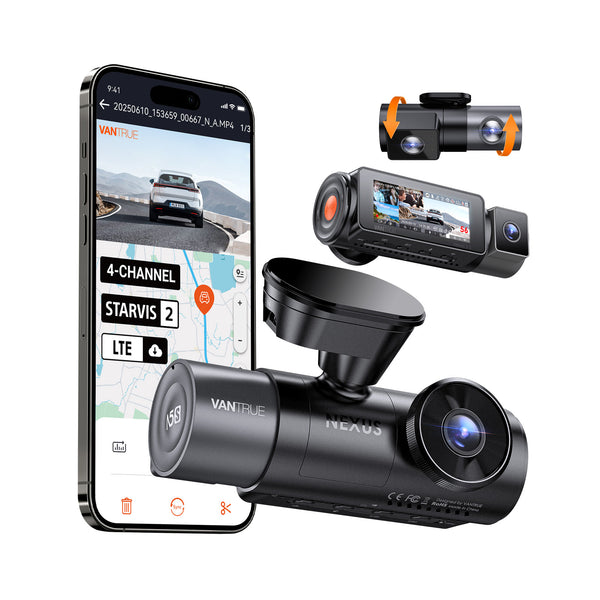
Nexus 5S
$399.99
4-Channel Full Coverage Four STARVIS 2 Sensors LTE Connectivity 10s Buffered Pre-Recording Motion Detection.
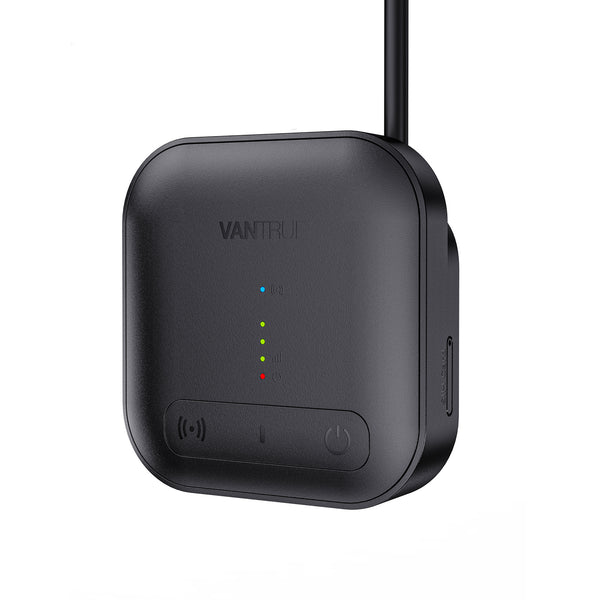
Dashcam Says Memory Card Full: Causes and Fixes is one of the strongest starting points for Canadian dashcam buyers.
This is one of the top-rated dashcams for Canadian drivers. Prices change frequently — check the latest deal below.
Check today’s price before it changes: Check Latest Price
Check Latest PriceTL;DR: A "Memory Card Full" message on your dashcam usually means the storage has reached capacity or there’s a file error. To fix it, format the card on the dashcam or replace it with a reliable, compatible microSD card designed for continuous video recording.

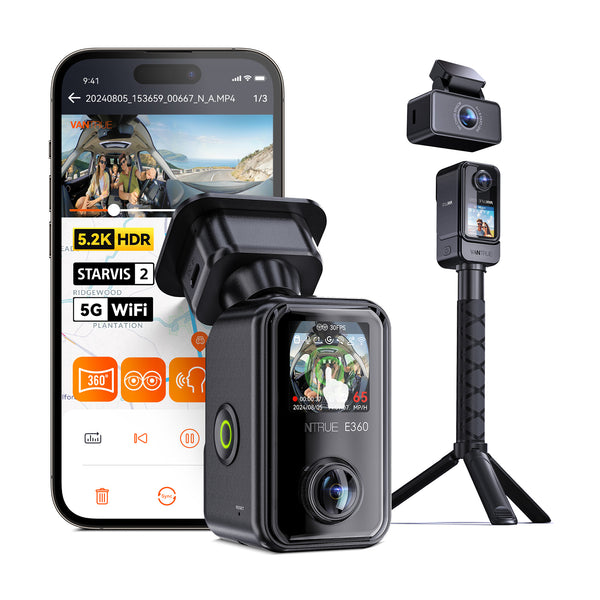
Canadian weather conditions, including freezing winters and hot summers, affect both dashcams and memory cards. Low temperatures can cause slower write speeds or temporary malfunction, so choose memory cards rated for wide temperature ranges (e.g., -25°C to 85°C). High endurance cards designed for dashcams resist wear from constant video writing and overwriting.
Consider dashcams with parking mode features if your vehicle is often parked outdoors in extreme weather. Parking mode buffers video based on motion or impact and needs reliable memory cards to store footage without errors.
When installing your dashcam in Canada, avoid placing it in direct sunlight or where temperature extremes may cause condensation. Proper placement ensures your memory card and dashcam function optimally and prevent premature failures that trigger “memory card full” errors.
Before purchasing a new card, try the following:
Using incompatible or low-quality cards can lead to frequent “memory full” messages and may cause lost footage.
If you’re a Canadian driver who uses your dashcam daily or needs parking mode functionality, invest in a high-endurance microSD card from a trusted manufacturer. Cards advertised without endurance specs may fail quickly in dashcams. For typical usage, a 64GB endurance card offers a good mix of storage and durability.
For occasional drivers who rarely save footage, a lower-capacity card can work but be sure to format regularly to avoid full-card errors.
Yes. High-endurance microSD cards rated for low temperatures can operate reliably in Canadian winters. However, keep the dashcam insulated from extreme cold when parked to maintain battery life and optimal function.
If you want parking mode with continuous monitoring, a hardwire kit provides constant power to your dashcam without draining your vehicle’s battery excessively. Without it, dashcams typically only record when the ignition is on, limiting protection when parked.
Automatic internal links to money pages, feature pages, brand pages, and city pages.
Before you choose, check current availability and pricing. Dashcam prices can change often, especially during sales.
Check Latest Price