Best Pick

Nexus 5S
4-Channel Full Coverage Four STARVIS 2 Sensors LTE Connectivity 10s Buffered Pre-Recording Motion Detection.
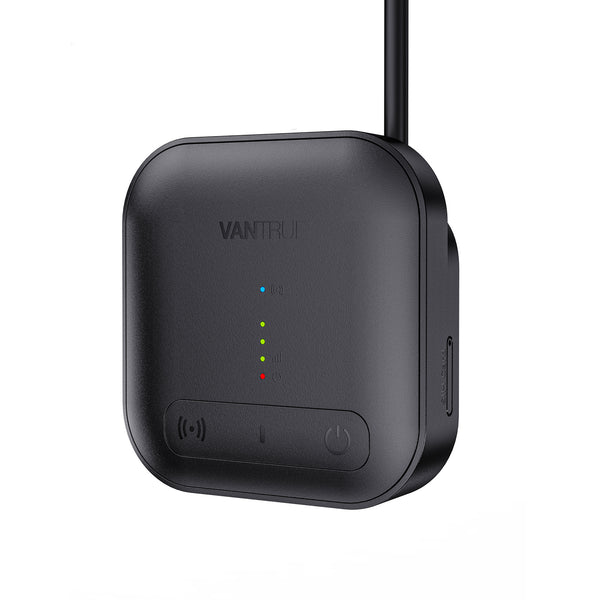
Dashcam SD Card Error? What to Buy and How to Fix It is one of the strongest starting points for Canadian dashcam buyers.
This is one of the top-rated dashcams for Canadian drivers. Prices change frequently — check the latest deal below.
Check today’s price before it changes: Check Latest Price
Check Latest PriceDashcam SD card errors are a common frustration for Canadian drivers relying on continuous video recording for safety and insurance purposes. These errors can lead to missed footage, corrupted files, or the dashcam failing to record entirely. Understanding the key causes and how to fix them can save you time and avoid costly replacements.


Most SD card errors stem from incompatibility or card failure. Many dashcams require specific types of microSD cards—usually Class 10 or UHS-I with high write endurance. Using a generic or counterfeit card often causes unstable recording or errors.
Another major factor is improper formatting. Cards formatted on a computer might not work properly in the dashcam unless reformatted in the device itself.
Environmental factors in Canada’s climate, especially cold winter temperatures, can also affect card reliability, making durability an important consideration.
Start by removing the card and reformatting it within the dashcam’s menu. This ensures the file system matches the device requirements.
If errors persist, update your dashcam’s firmware from the manufacturer’s website; firmware updates often resolve detection and recording bugs.
Replace the card if it continues to cause errors, opting for a high-endurance card designed for video and dashcam use.
Look for microSD cards with high endurance ratings and Class 10 or better speed ratings. Brands like Samsung Evo Plus, SanDisk High Endurance, and Lexar High-Definition Video cards are proven performers.
Capacity typically ranges from 32GB to 128GB, balancing storage needs and overwrite cycles.
Parking mode increases the number of write cycles since dashcams record while parked. Use memory cards specifically rated for heavy continuous writing to avoid early wear and errors.
In Canada, cards with wider temperature tolerances better withstand cold winters, preventing data loss or card failure.
Regularly check for firmware updates and format your card every few months to clear corrupted data.
Avoid removing the card while the dashcam is on, as this can cause file system corruption and errors.
By choosing the right SD card and following simple maintenance steps, Canadian dashcam users can minimize errors and ensure reliable recordings year-round. This investment improves safety and peace of mind on the road and when parked.
. 'Automatic internal links to money pages, feature pages, brand pages, and city pages.
Before you choose, check current availability and pricing. Dashcam prices can change often, especially during sales.
Check Latest Price