Best Pick

Nexus 5S
4-Channel Full Coverage Four STARVIS 2 Sensors LTE Connectivity 10s Buffered Pre-Recording Motion Detection.
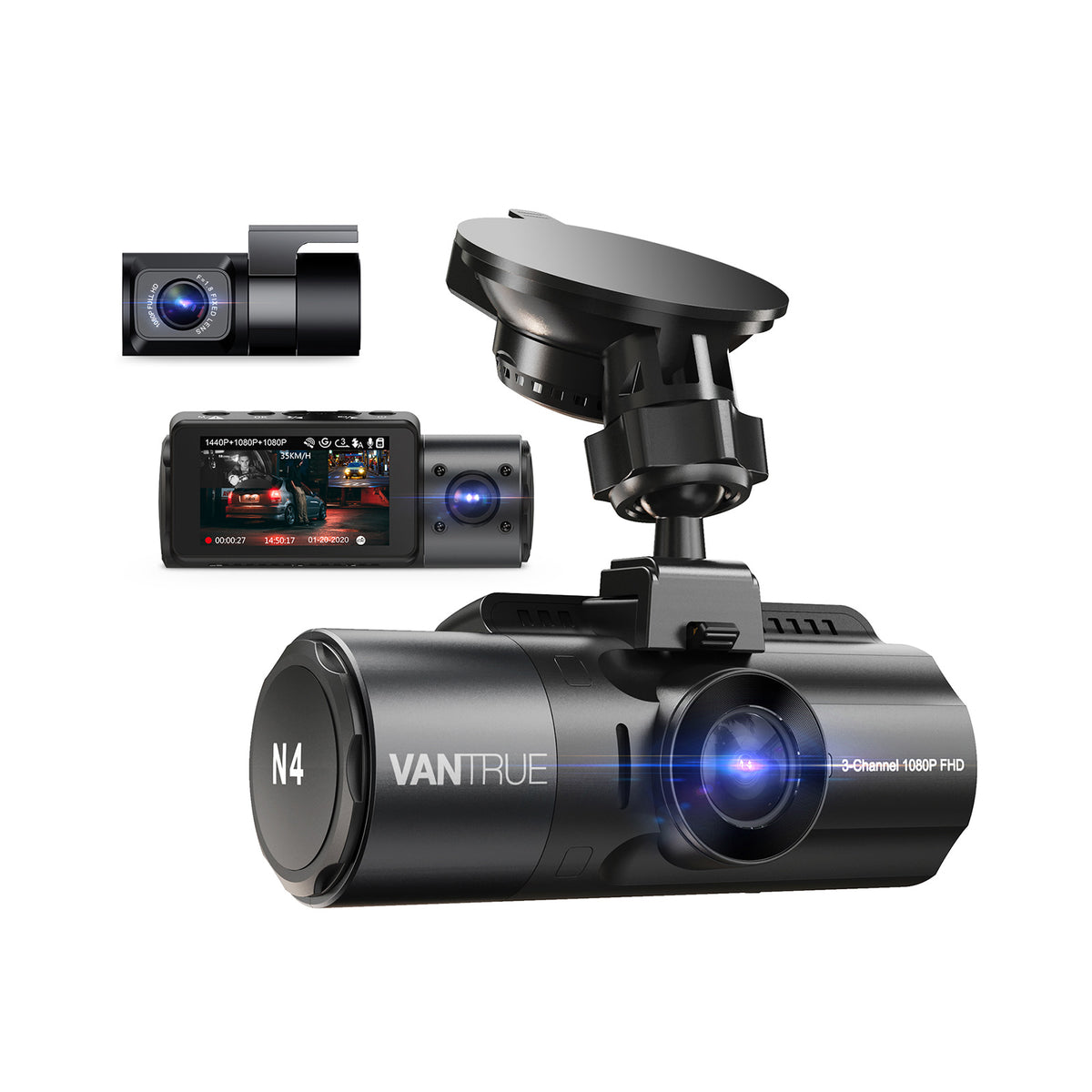
Vantrue OnDash N4 Not Recording? Troubleshooting Guide is one of the strongest starting points for Canadian dashcam buyers.
This is one of the top-rated dashcams for Canadian drivers. Prices change frequently — check the latest deal below.
Check today’s price before it changes: Check Latest Price
Check Latest PriceIs your Vantrue OnDash N4 dashcam not recording as expected? This guide will help Canadian drivers quickly identify and fix common issues causing recording failures. Reliable dashcam footage can be critical for daily drivers and parking protection, so a functional setup is essential.


The most frequent causes include memory card problems, power interruptions, incorrect parking mode setup, and outdated firmware. Understanding each area helps you pinpoint the issue without guesswork.
Dashcams require high-quality microSD cards designed for constant video writing. In Canada, cold temperatures can also affect card performance. First, remove the card and check for corruption or damage. Then, format the card inside the Vantrue OnDash N4 using the settings menu.
Using cards with a known high endurance rating reduces failure risks. Replace your card if it’s older than a year or frequently used.
Ensure the dashcam is receiving steady power. Loose cables, faulty USB adapters, or hardwire kits may cause intermittent shutdowns, stopping recordings. Inspect all connections and test the device with a different power source if possible.
The Vantrue OnDash N4's parking mode relies on external power sources, like a hardwire kit or battery protector. If parking mode isn't recording, verify the device settings and confirm that the parking mode accessory is installed correctly and compatible.
Outdated firmware can cause bugs affecting recording functions. Visit Vantrue’s official website to check for updates and carefully follow instructions for installation.
If problems persist, perform a factory reset: turn off the dashcam, press the reset button with a pin for about 10 seconds, then restart.
Most recording issues with the Vantrue OnDash N4 can be resolved by checking your memory card, ensuring proper power and parking mode setup, and performing occasional updates. Given Canada's variable weather, prioritize durable memory cards and stable power solutions to keep your footage safe all year long.
For further help, explore our guides on memory cards and parking mode accessories tailored for Canadian conditions.
. 'Automatic internal links to money pages, feature pages, brand pages, and city pages.
Before you choose, check current availability and pricing. Dashcam prices can change often, especially during sales.
Check Latest Price