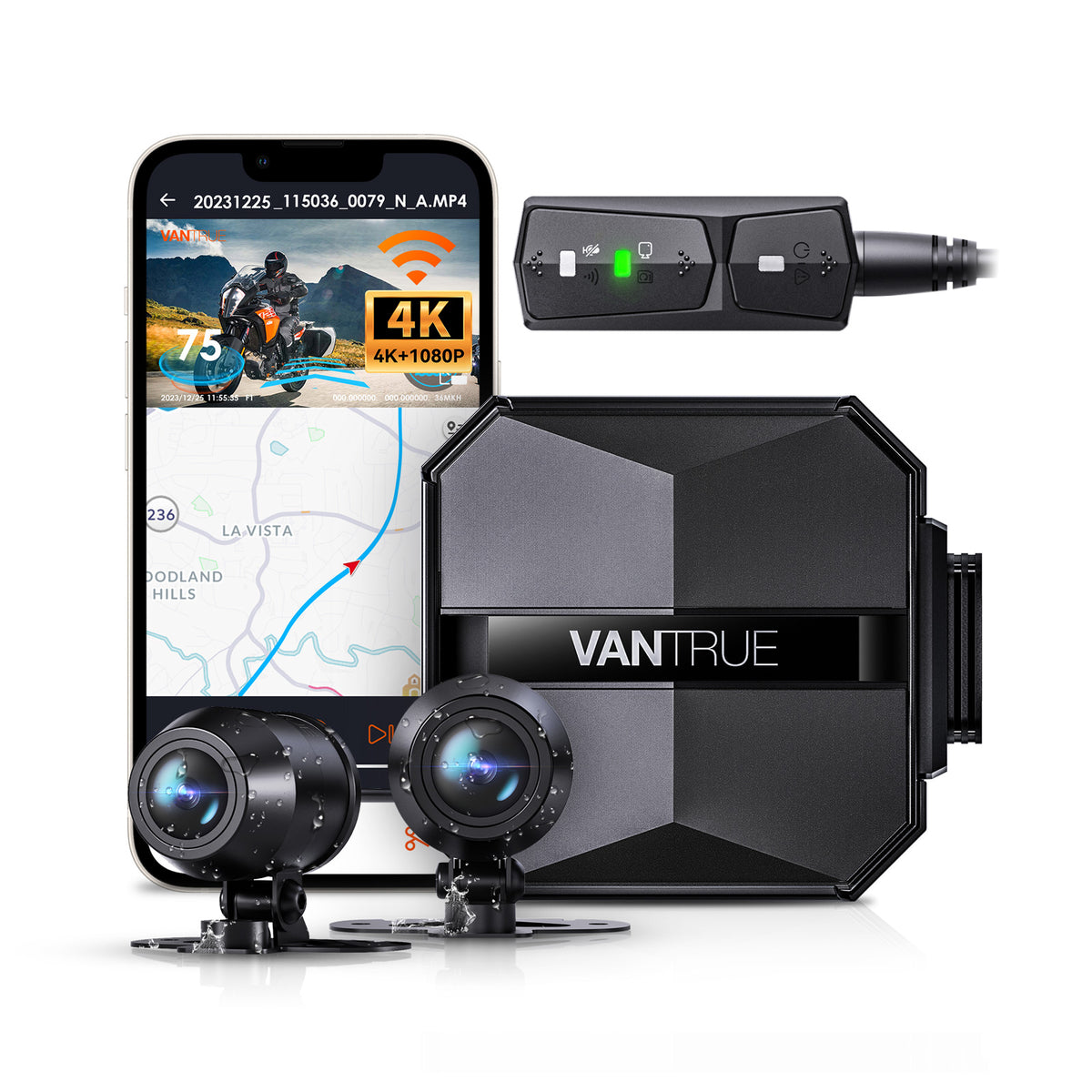

Falcon 1 Not Recording? Common Causes and Fixes
TL;DR: If your Falcon 1 dashcam isn’t recording, the issue is often related to memory card problems, power supply, or firmware glitches. Ensuring a compatible high-quality microSD card, stable power, and up-to-date firmware usually resolves most issues.

Quick overview
- Check if the microSD card is correctly inserted and formatted.
- Verify that your Falcon 1 has a steady power source, especially if using a hardwire kit or cigarette adapter.
- Update the dashcam firmware to fix known bugs or improve compatibility.
Common causes and fixes for Falcon 1 not recording
The Falcon 1 is a reliable dashcam for Canadian drivers, but like any device, may stop recording due to several common issues. Here’s what to check:
- Memory card issues: The most frequent culprit is the microSD card. Falcon 1 supports cards up to 256GB, but it requires a Class 10 or UHS-I card for stable recording. Using cheaper or counterfeit cards can cause recording failures.
- Formatting problems: Sometimes the card is formatted incorrectly or becomes corrupted. Remove the card, back up any important files, and format it using the dashcam’s built-in format option or a computer with FAT32 (for 32GB or less) or exFAT (64GB and above).
- Power interruptions: Ensure your dashcam is receiving constant power. Loose connections or faulty hardwire kits can cause the unit to shut off and stop recording unexpectedly.
- Firmware bugs: Updating the Falcon 1 firmware through the official website or app can resolve glitches that affect recording performance.
- Storage full or loop recording disabled: If the microSD card is full and loop recording is disabled, the dashcam won’t save new footage. Make sure loop recording is enabled in settings.
- Temperature conditions: Extremely cold or hot temperatures common in Canadian regions can cause the dashcam to shut down or pause recording to protect internal components.
What to look for in Canada
Using the Falcon 1 in Canadian climates requires attention to some specific factors:
- Cold starts: In winter, extremely low temperatures may temporarily prevent the dashcam from booting or recording immediately. Keep your vehicle in a garage or use a dashcam with built-in temperature tolerance.
- Heat tolerance: Summer in southern parts of Canada can get hot inside parked cars. Ensure your Falcon 1 isn’t exposed to direct sunlight for extended periods and consider parking in shaded areas.
- Parking mode: If you use parking mode (motion or impact detection recording), confirm the Falcon 1 is properly powered with a hardwire kit or external battery pack. This helps the dashcam keep recording events even when the vehicle is off.
- Installation notes: For best recording quality, mount the Falcon 1 centered on your windshield, behind the rearview mirror. This placement also reduces driver distraction and complies with Canadian windshield regulations.
My recommendation
The Falcon 1 is suitable for Canadian buyers looking for a straightforward dashcam with reliable everyday recording. If you primarily want a device for regular driving footage, ensure you have a quality microSD card (ideally 64GB to 128GB, UHS-I Class 10). For those who want secure parking protection during harsh winters or long hours away from their vehicle, investing in a hardwire kit or a dedicated parking power solution is recommended to avoid battery drain and ensure continuous recording.
Finally, connect your Falcon 1 to the official app or website to keep firmware current, which can improve recording reliability and fix bugs. For any persistent issues, troubleshooting memory cards and power supply setups typically resolves the problem quickly.
Does the Falcon 1 work well in Canadian winters?
Yes, but with caveats. Extremely cold temperatures may delay startup or cause the unit to pause recording as a protective measure. Store your vehicle in a garage or use a hardwire kit with temperature protection to optimize performance during winter months.
Do I need a hardwire kit for the Falcon 1?
A hardwire kit is recommended if you want continuous parking mode recording without draining your car’s battery. It provides stable power even when the ignition is off, ensuring the Falcon 1 captures incidents while parked. If you only use it while driving, powering via the cigarette lighter adapter should suffice.
Recommended next pages
More buyer guides and comparison paths
Automatic internal links to money pages, feature pages, brand pages, and city pages.

Related Articles
- Who Should Buy Falcon 1 in Canada? (review • 2026-05-10)
- Falcon 1 Winter Driving Review for Canada (review • 2026-05-10)
- Falcon 1 Pros and Cons for Canadian Drivers (review • 2026-05-09)
- Is Falcon 1 Worth It in Canada? (review • 2026-05-09)
- Who Should Buy Sonnet 1 Pro in Canada? (review • 2026-05-07)
- Sonnet 1 Pro Winter Driving Review for Canada (review • 2026-05-07)