Best Pick
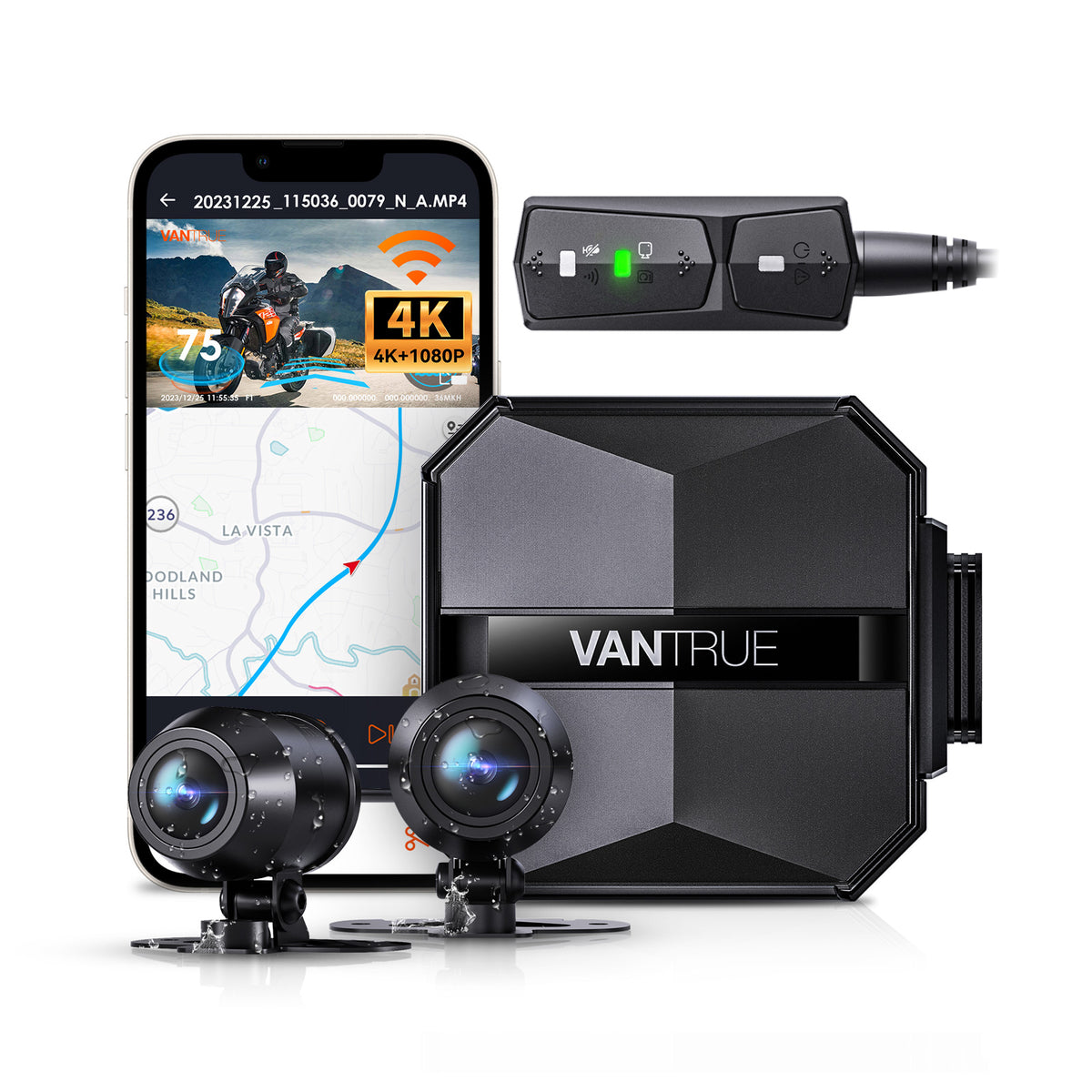
Falcon 1
$399.99
The F1 simultaneously records front and rear at 2160P+1080P/30FPS
Falcon 1 SD Card Recommendations and Common Issues is one of the strongest starting points for Canadian dashcam buyers.
This is one of the top-rated dashcams for Canadian drivers. Prices change frequently — check the latest deal below.
Check today’s price before it changes: Check Latest Price
Check Latest PriceTL;DR: For Falcon 1 dashcams, select a high-endurance microSD card designed for continuous video recording and high temperatures, with at least U3 or V30 speed class to ensure reliable performance.
When choosing a microSD card for your Falcon 1 dashcam in Canada, it’s essential to consider temperature resilience and durability. Canadian winters can bring temperatures well below freezing, which can cause lower-grade cards to fail or corrupt files during cold starts. Similarly, summer heat inside a parked car can also stress the card for hours. High-endurance microSD cards designed specifically for dashcams or surveillance cameras are built to withstand these conditions.
Look for cards with operating temperature ratings of at least -25°C to 85°C. Additionally, cards should support parking mode functionality if your Falcon 1 uses this feature. This ensures the card can reliably log events while the vehicle is off without corrupting existing footage.
Installation tips include formatting the card in the camera according to the manufacturer’s instructions and using cards from reputable suppliers to avoid counterfeit products. Always get cards of at least 32GB capacity, with 64GB or 128GB preferred depending on your recording settings and parking mode use.
If you primarily use your Falcon 1 dashcam in Canadian urban or highway driving environments and do not rely heavily on parking mode, a 64GB or 128GB high-endurance microSD card rated U3/V30 or better will give you a solid balance of performance and durability. Brands specializing in dashcam or automotive cards tend to offer longer warranties and better thermal management.
For users in extremely cold regions or those who frequently park their vehicles for long stretches in harsh weather, investing in automotive-grade or surveillance-grade microSD cards is prudent. These cards are designed specifically to handle continuous writing cycles and extreme temperatures, reducing the risk of file corruption and failures.
Lastly, avoid using standard or generic cards not marketed for dashcam use. While cheaper upfront, they typically have lower endurance and speed ratings and can cause recording interruptions or data loss.
Yes, the Falcon 1 dashcam functions properly in winter conditions if paired with a high-endurance or automotive-grade microSD card rated for low temperatures. Using standard cards in subzero temperatures can cause slow write speeds or corruption. To avoid issues, choose cards with extended temperature ranges and consider parking your car in sheltered areas when possible.
A hardwire kit is recommended if you want to use parking mode on your Falcon 1 dashcam. It allows the camera to draw power directly from the vehicle’s battery safely, enabling continuous monitoring when the car is off. Without a hardwire kit, you’ll be limited to recording only while the ignition is on, which reduces protection in parked scenarios.
Automatic internal links to money pages, feature pages, brand pages, and city pages.
Before you choose, check current availability and pricing. Dashcam prices can change often, especially during sales.
Check Latest Price